有以下 N 个因子: new List<string>{"A","B","C"}, // Position 0 new List<string>{"1","2","3"}, // Position 1 new List<string>{"①","②","③"}, new List<string&g…
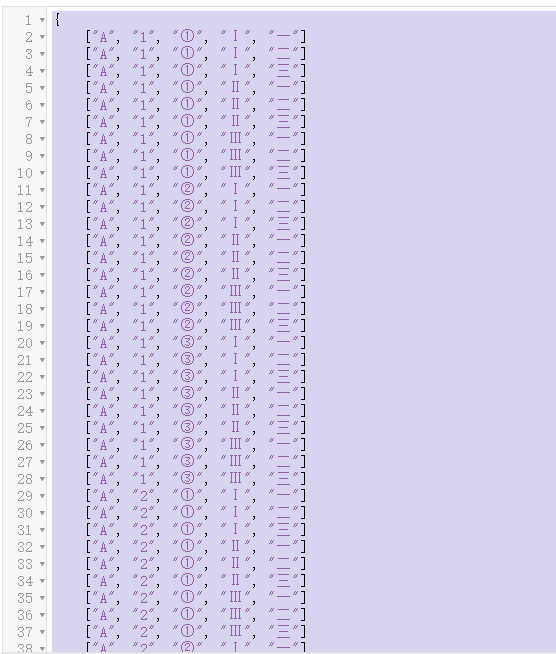
有以下 N 个因子: new List<string>{"A","B","C"}, // 位置 0 new List<string>{"1","2","3"}, // 位置 1 new List<string>{"①","②","③"}, new List<string>{"Ⅰ","Ⅱ","Ⅲ"}, new List<string>{"一","二","三"}, 可以组成多个 n 长度的数组,如: A 1 ① Ⅰ 一 M[......]继续阅读

In Microsoft.Maui, within Microsoft.Maui.LifecycleEvents, there is an extension that manages the MAUI window lifecycle. public static MauiAppBuilder ConfigureLifecycleEvents( this MauiAppBuilder builder, Action<ILifecycleBuilder>? configureDelega…
在 Microsoft.Maui 的 Microsoft.Maui.LifecycleEvents 中,有个管理 MAUI 窗口生命周期的扩展。 public static MauiAppBuilder ConfigureLifecycleEvents( this MauiAppBuilder builder, Action<ILifecycleBuilder>? configureDelegate); 本文目的是在 Windows 下,使用 WinUI 的方式将窗口控制的接口。 参考资料: https…

Description RulesEngine is a rule engine library written in C#. Readers can learn more about it from the following sources: Repository Address: https://github.com/microsoft/RulesEngine Usage Instructions: https://microsoft.github.io/RulesEngine Documentation A…
说明 RulesEngine 是 C# 写的一个规则引擎类库,读者可以从这些地方了解它: 仓库地址: https://github.com/microsoft/RulesEngine 使用方法: https://microsoft.github.io/RulesEngine 文档地址: https://github.com/microsoft/RulesEngine/wiki 什么是规则引擎? 照搬 https://github.com/microsoft/RulesEngine/wiki/Introduction…
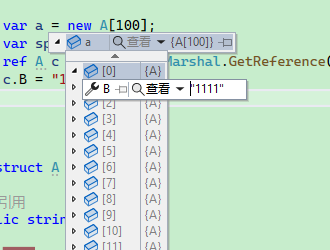
因为结构体或者值类型在传递时,是值复制,导致传递后修改其值,原先的值不会发生改变。 即使使用 ref 做参数,也没法改变传递数组是值复制的问题。 阅读 .NET 源码是发现了 .NET 6 的一个 API,可以很方便完成这个任务,让结构体像引用类型一样。 using System.Runtime.InteropServices; public class Progarm { static void Main() { var a = new A[100]; var span = a.AsSpan(); ref A c…
因为结构体或者值类型在传递时,是值复制,导致传递后修改其值,原先的值不会发生改变。 即使使用 ref 做参数,也没法改变传递数组是值复制的问题。 阅读 .NET 源码是发现了 .NET 6 的一个 API,可以很方便完成这个任务,让结构体像引用类型一样。 using System.Runtime.InteropServices; public class Progarm { static void Main() { var a = new A[100]; var span = a.AsSpan(); ref A c…
使用的类型是结构体,如果是对象,则在创建内存块的时候,需要使用别的方式。子所以使用块的形式而不是直接管理一个对象,是基于多个方面考虑的。 1,使用块的形式,可以一次性分配连续的内存;如果逐个分配,会导致碎片太多、每次分配都需要时间; 缺点: 1,不能扩增或减少对象数量、块大小; 2,以块的形式存在,用户用完一个块后,需要切换到下一个块; 这两个缺点都是很容易解决的。 然后笔者后面发现了几个不得了的 API,因此改进了对象池算法,对结构体做了优化。 可以看:https://www.whuanle.cn/archive…
后面改进了对象池算法,使用结构体来存储,其性能变得非常强。 参考对象池算法:https://www.whuanle.cn/archives/20888 New Version Define a structure to store each field: public struct JsonField { public string? Name { get; set; } public JsonValueKind ValueKind { get; set; } public object? Value[......…
后面改进了对象池算法,使用结构体来存储,其性能变得非常强。 参考对象池算法:https://www.whuanle.cn/archives/20888 新版本 定义结构体存储每个字段: public struct JsonField { public string? Name { get; set; } public JsonValueKind ValueKind { get; set; } public object? Value { get; set; } pu[......]继续阅读
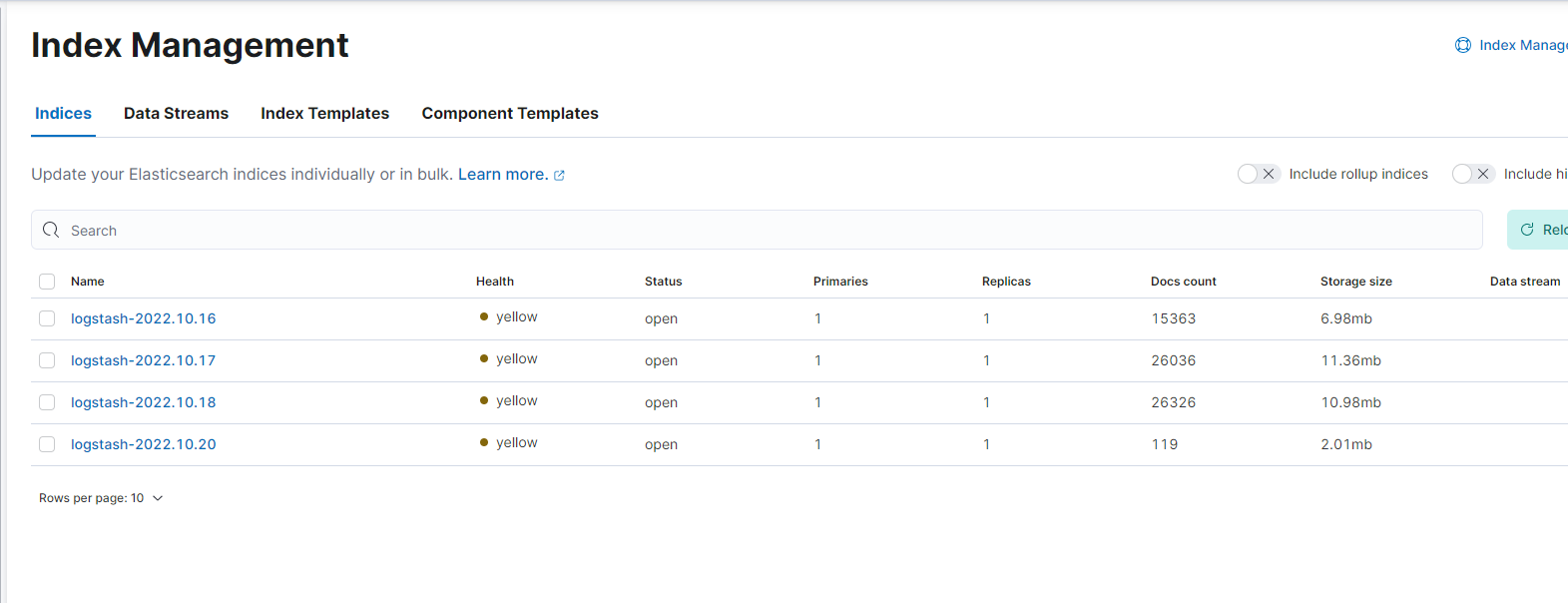
My Elasticsearch is deployed on a single machine, so to connect Kubernetes Fluentd to Elasticsearch, I need to modify some configuration items. First, install Fluentd on Kubernetes. Download the YAML template repository: git clone https://github.com/fluent/flu…
我的 Elasticsearch 是单机部署的,因此要将 kubernetes Fluentd 接入 Elasticsearch,需要改点配置项。 首先是在 kubernetes 上安装 Fluentd。 下载 yaml 模板仓库: git clone https://github.com/fluent/fluentd-kubernetes-daemonset 修改 fluentd-daemonset-elasticsearch-rbac.yaml 文件,替换 env: - name: FLUENT_ELASTIC…
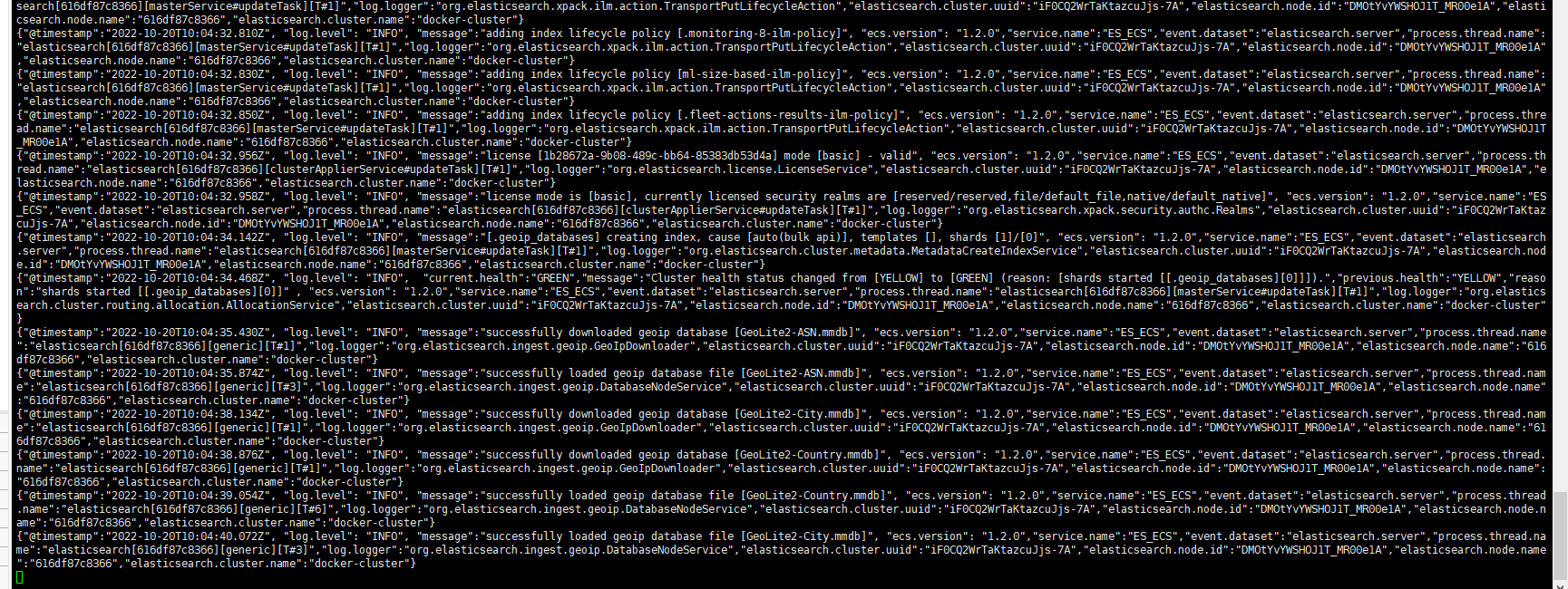
Create Network and Volume: docker network create elastic docker volume create elasticsearch Create Container: docker run -itd --name elasticsearch \ --publish 9200:9200 --net elastic \ --env discovery.type=single-node \ --env xpack.security.authc.api_key.enabl…
参考文章: https://blog.csdn.net/UbuntuTouch/article/details/120524770 创建网络、存储卷: docker network create elastic docker volume create elasticsearch 创建容器: docker run -itd --name elasticsearch \ --publish 9200:9200 --net elastic \ --env discovery.type=single-node \ --e…

数据: 格式: { "a_tttttttttttt": 1001, "b_tttttttttttt": "邱平", "c_tttttttttttt": "Nancy Lee", "d_tttttttttttt": "buqdu", "e_tttttttttttt": 81.26, "f_tttttttttttt": 60, "g…
数据: 格式: { "a_tttttttttttt": 1001, "b_tttttttttttt": "邱平", "c_tttttttttttt": "Nancy Lee", "d_tttttttttttt": "buqdu", "e_tttttttttttt": 81.26, "f_tttttttttttt": 60, "g_tttttttttttt": "1990-04-18 10:52:59", "h_tttttttttttt": "35812178", "i_tttttttttttt": "1893533…
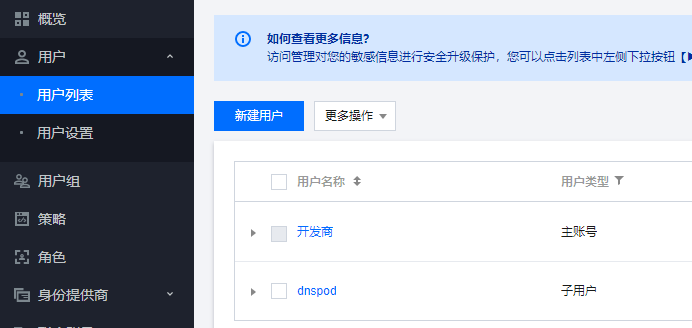
DDNS This is a tool for dynamically modifying Tencent Cloud domain records based on the current public IP. If the broadband is not a dedicated line, the IP may change every few days, which complicates domain binding. This tool dynamically identifies the curren…
DDNS 这是一个根据当前公网 IP 动态修改腾讯云域名记录的工具,如果宽带不是专线,那么 IP 会隔几天变化一次,这样给域名绑定带来麻烦。 此工具通过动态识别当前网络的公网 IP 地址,将变化的 IP 推送到腾讯云已有的域名解析中,实现域名动态绑定 IP。 注意:国内未经备案的机器,不能对外提供服务! http://www.gov.cn/gongbao/content/2005/content_93018.htm 非经营性互联网信息服务备案管理办法 在中华人民共和国境内提供非经营性互联网信息服务,应当依法履行备案…

站长简介
有趣的博主,小小程序员,业余摄影师,主要研究微服务架构、人工智能、kubernetes、istio、Devops、AI 等,主要语言是 C#、Go、Python。日常喜欢看书、写博客、摄影、运动、看风景。