[ThreadStatic] private static bool HasCreated = false; [ThreadStatic] private static int Value = 0; void Main() { Console.WriteLine(Thread.CurrentThread.ManagedThreadId); ThreadLocal<string> a = new ThreadLocal<string>(() => { if (HasCreated) re…
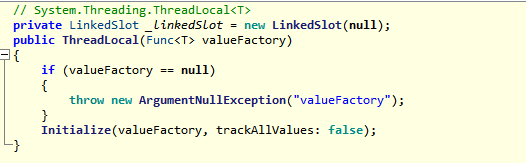
如下面代码: [ThreadStatic] private bool HasCreated = false; [ThreadStatic] private int Value = 0; void Main() { ThreadLocal<string> a = new ThreadLocal<string>(() => { if (HasCreated) return Value.ToString(); else { Value = Thread.CurrentThread.[....…
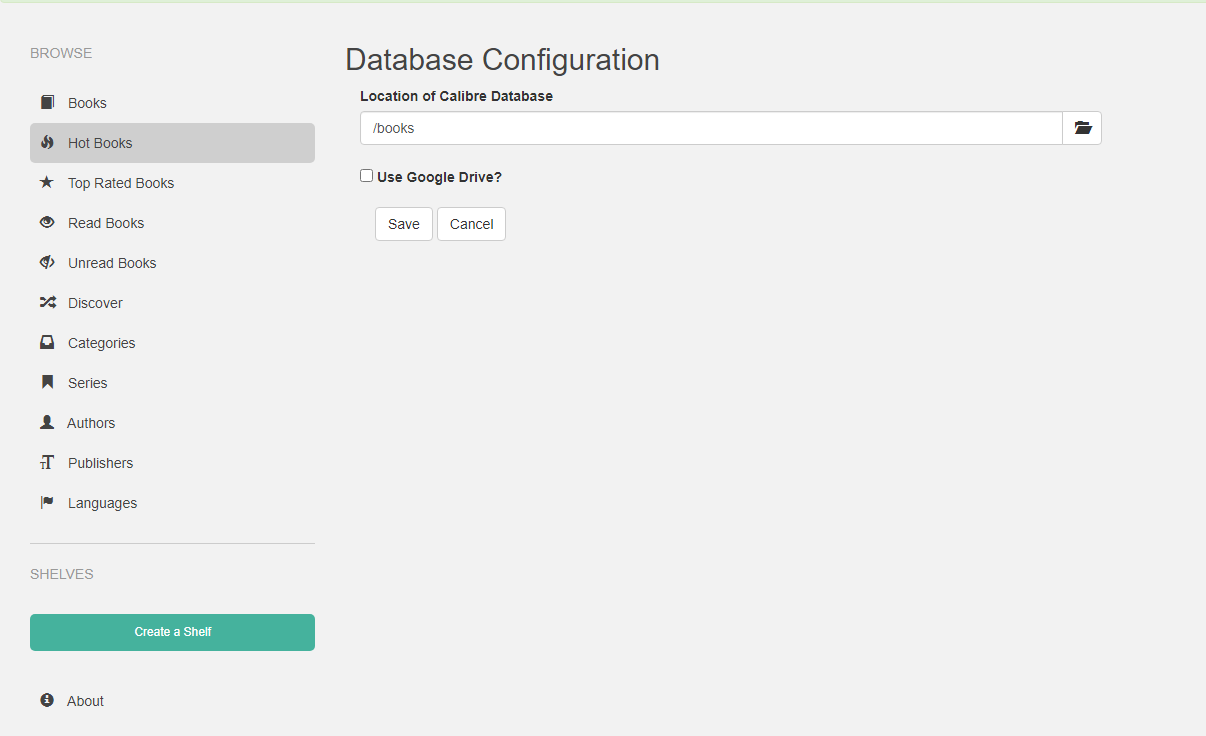
Docker Deployment: docker run -d \ --name=calibre-web \ -e PUID=1000 \ -e PGID=1000 \ -e TZ=Europe/London \ -e DOCKER_MODS=linuxserver/mods:universal-calibre `#optional` \ -e OAUTHLIB_RELAX_TOKEN_SCOPE=1 `#optional` \ -p 8083:8083 \ -v /data/book/config:/confi…
Docker 部署: docker run -d \ --name=calibre-web \ -e PUID=1000 \ -e PGID=1000 \ -e TZ=Europe/London \ -e DOCKER_MODS=linuxserver/mods:universal-calibre <code>#optional</code> \ -e OAUTHLIB_RELAX_TOKEN_SCOPE=1 <code>#optional</code> \ -p 8…
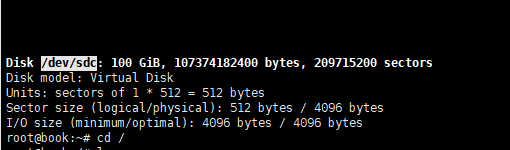
Execute fdisk -l to find the required disk. As you can see, this is a blank disk. Start executing commands to create a partition on the blank disk. fdisk /dev/sdc First, enter n. Command action <- Select the type of partition to create e extended <- Exte…
执行 fdisk -l 会发现需要的磁盘。 可以看到这是一个空白盘。 开始执行命令将空白磁盘创建分区。 fdisk /dev/sdc 先输入 n。 ommand action <- 选择要创建的分区类型 e extended <- 扩展分区 p primary partition (1-4) <- 主分区 输入 p,再输入 1,剩下选项直接回车。 输入 w ,保存并退出。 格式化并设置磁盘系统: mkfs.ext4 /dev/sdc1 挂载 mount /dev/sdc1 /data/ 查看磁盘挂…
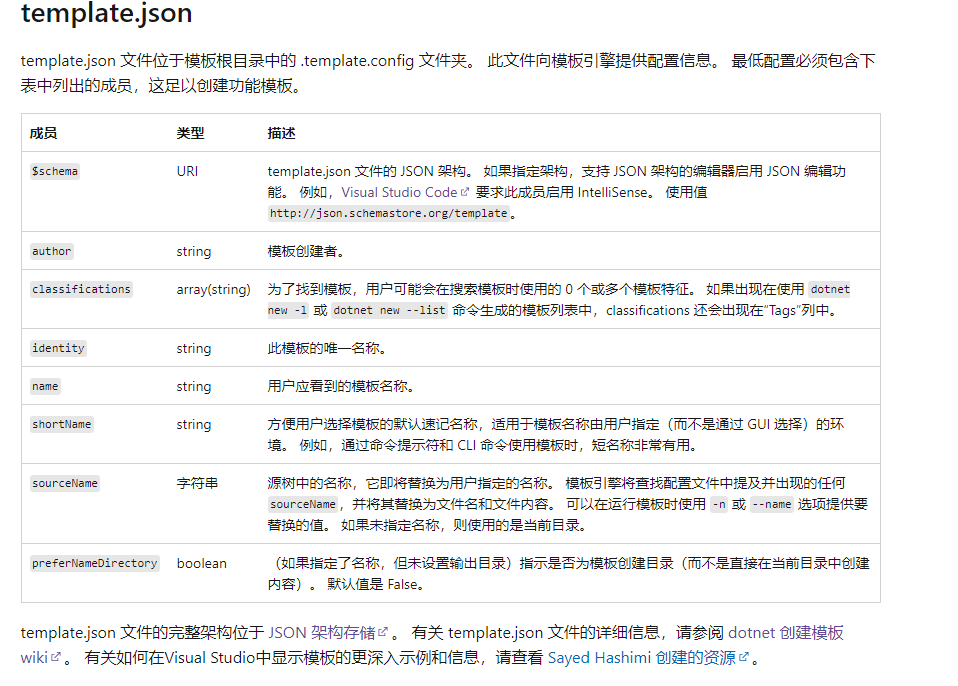
Directory Structure: └─templates └─consolesync └─content ├─.template.config ├──template.json └─AAA.Web.API ### Template Directory 1. Create an empty directory at will, then create one inside it, and create the template directory under templates. The name of th…
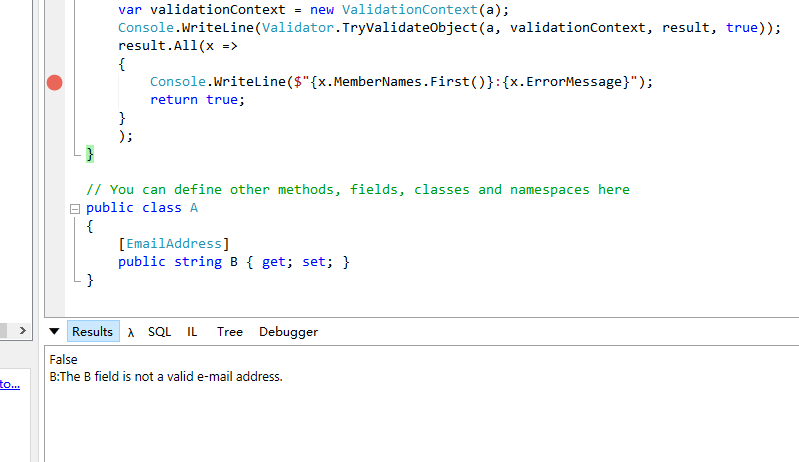
When not using ASP.NET Core and without the FluentValidation framework, model validation can be implemented through the native API. public class A { [EmailAddress] public string B { get; set; } } void Main() { var result = new List<ValidationResult>(); v…
在不使用 ASP.NET Core 时,也不使用 FluentValidation 这里框架,通过原生的 API 实现模型验证。 public class A { [EmailAddress] public string B { get; set; } } void Main() { var result = new List<ValidationResult>(); var a = new A { B = "aa.com" }; var validationContext = new Validati…

Define the Converter: public class EnumStringConverter : JsonConverter<Enum> { public override bool CanConvert(Type objectType) { return objectType.IsEnum; } public override Enum Read(ref Utf8JsonReader reader, Type typeToConvert, JsonSerializerOptions o…
定义转换器: public class EnumStringConverter : JsonConverter<Enum> { public override bool CanConvert(Type objectType) { return objectType.IsEnum; } public override Enum Read(ref Utf8JsonReader reader, Type typeToConvert, JsonSerializerOptions options) { var v…
在 .NET 官方的 Docker 镜像中,添加自定义工具链: FROM mcr.microsoft.com/dotnet/sdk:5.0 RUN apt-get update \ && apt-get install -y --no-install-recommends \ ssh-client \ && rm -rf /var/lib/apt/lists/* 在 Docker 容器中使用 Docker 命令: -u root -v /var/run/docker.sock:/va…
在 .NET 官方的 Docker 镜像中,添加自定义工具链: FROM mcr.microsoft.com/dotnet/sdk:5.0 RUN apt-get update \ && apt-get install -y --no-install-recommends \ ssh-client \ && rm -rf /var/lib/apt/lists/* 在 Docker 容器中使用 Docker 命令: -u root -v /var/run/docker.sock:/va…
public async Task ExecuteAsync(HttpContext context) { Context = context; Request = Context.Request; Response = Context.Response; var buffer = new MemoryStream(); Output = new StreamWriter(buffer, UTF8NoBOM, 4096, leaveOpen:[......]继续阅读
public async Task ExecuteAsync(HttpContext context) { Context = context; Request = Context.Request; Response = Context.Response; var buffer = new MemoryStream(); Output = new StreamWriter(buffer, UTF8NoBOM, 4096, leaveOpen:[......]继续阅读
private static readonly Encoding UTF8NoBOM = new UTF8Encoding( encoderShouldEmitUTF8Identifier: false, throwOnInvalidBytes: true); [......] 继续阅读
private static readonly Encoding UTF8NoBOM = new UTF8Encoding( encoderShouldEmitUTF8Identifier: false, throwOnInvalidBytes: true); [......] 继续阅读
Overall Format General format definition pipeline { // Global environment variables // environment { // IMAGENAME = 'webdemo' // Image name // } // Parameters visible on Jenkins // parameters{ // string(name: 'REPO_NAME' ,defaultValue:'',description:'R[......]…
整体格式 大体格式定义 pipeline { // 全局环境变量 // environment { // IMAGENAME = 'webdemo' // 镜像名称 // } // Jenkins 上可以看到的参数 // parameters{ // string(name: 'REPO_NAME' ,defaultValue:'',description:'仓库名称',trim:true) // } agent { // 如何启动构建环境,Linux、Window[......]继续阅读

站长简介
有趣的博主,小小程序员,业余摄影师,主要研究微服务架构、人工智能、kubernetes、istio、Devops、AI 等,主要语言是 C#、Go、Python。日常喜欢看书、写博客、摄影、运动、看风景。