Reusable Stream You need to install Microsoft.IO.RecyclableMemoryStream. internal class StreamHandler { // Stream pool private[......]继续阅读

可复用Stream 需要安装 Microsoft.IO.RecyclableMemoryStream。 internal class StreamHandler { // Stream pool private static readonly Rec[......]继续阅读
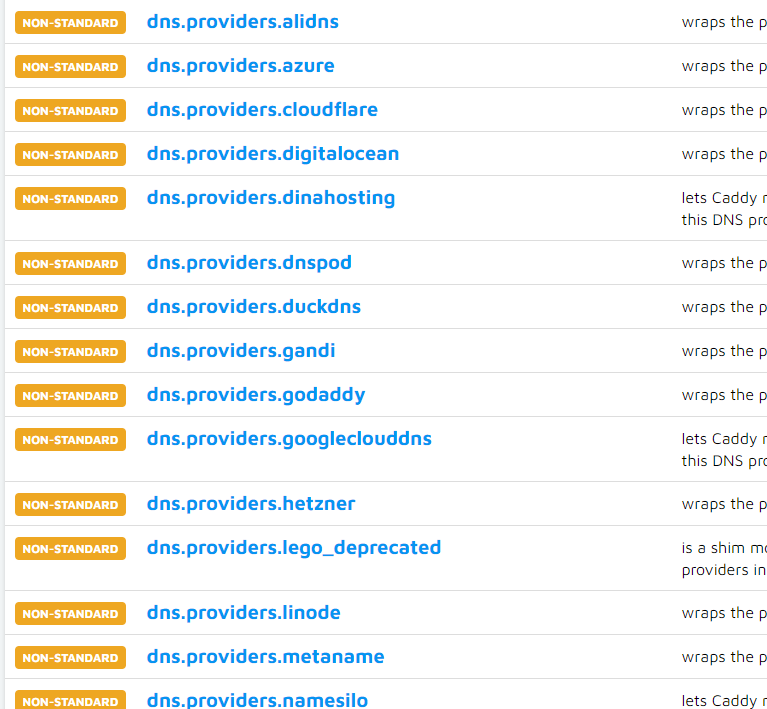
Background Recently, I needed to connect a domain name with the public IP of residential broadband, which led to a series of issues. Note: Machines wi[......] 继续阅读
背景 最近要将域名跟家庭宽带的公网 IP 打通,出现了一系列的问题。 注意:国内未经备案的机器,不能对外提供服务! http://www.gov.cn/gongbao/content/2005/content_93018.htm 非经营性互联网信息服务备案管理办法 在中华人民共和国境内提供非经营性[......] 继续阅读
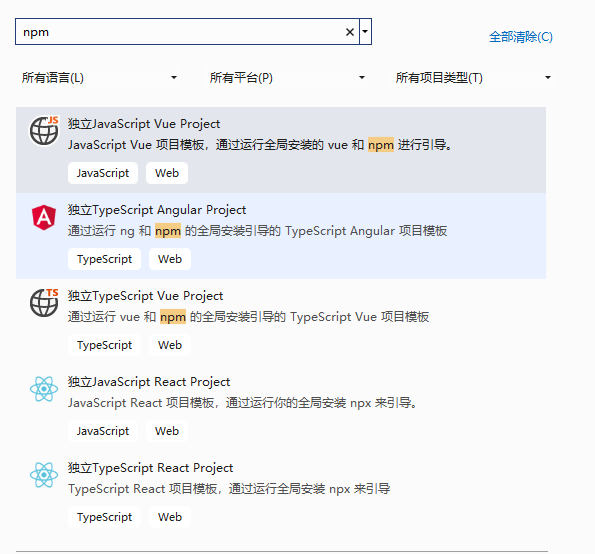
Background The initial approach adopted was to develop using Maui + Blazor, utilizing the Blazor UI framework, which has high community popularity. Ho[......] 继续阅读
背景 最先采用的是 Maui + Blazor 开发,使用社区热度比较高的 Blazor UI 框架。 可是开发进行过程中, Maui 巨多坑,Blazor UI 框架也是巨多坑,使用 Blazor UI 写的页面和样式,过不了设计师和产品经理的是法眼。 最终决定使用原生前端结合,生成静态内容放到[......] 继续阅读
bool IsDefine<T1, T2>(T2 t) where T1 : Enum where T2 : Enum { var value = Unsafe.As<T2, T1>(ref t); var array = Enum.GetValues(type[......]继续阅读
bool IsDefine<T1, T2>(T2 t) where T1 : Enum where T2 : Enum { var value = Unsafe.As<T2, T1>(ref t); var array = Enum.GetValue[......]继续阅读
In projects using partial classes, such as Razor, Blazor, WPF, etc., the compilation will generate .g.cs files. However, if there are issues that prev[......] 继续阅读
在项目使用分部类,如 Razor、Blazor、Wpf 等项目中,编译会生成 .g.cs 文件,但是因为出现了问题,不能编译成功,查看源代码,找不出错误,只能开始输出 .g.cs ,查看文件进行检查。 <PropertyGroup> <EmitCompilerGenerat[......]继续阅读
Fast speed and good performance through DNS. dig ANY +short @resolver2.opendns.com myip.opendns.com dig ANY +short @resolver2.opendns.com myip.opendn[......]继续阅读
通过 DNS 方式,速度快,性能好。 dig ANY +short @resolver2.opendns.com myip.opendns.com dig ANY +short @resolver2.opendns.com myip.opendns.com dig ANY +short @ns1[......]继续阅读
// json => Dictionary static Dictionary<string, string> Read(string jsonData) { var reader = new Utf8Jso[......]继续阅读
// json => Dictionary static Dictionary<string, string> Read(string jsonData) { var reader = new Utf8Jso[......]继续阅读
private static void RunPowershellScript(string scriptFile) { ProcessStartInfo ps = new ProcessStartInfo(@"powershell.exe", scriptFile) { Re[......]继续阅读
private static void RunPowershellScript(string scriptFile) { ProcessStartInfo ps = new ProcessStartInfo(@"powershell.exe",scriptFile) { RedirectSt[......]继续阅读
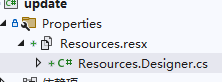
using System.Resources; var assembly = typeof(Program).Assembly; ResourceManager resourceManager = new ResourceManager("update[......]继续阅读
using System.Resources; var assembly = typeof(Program).Assembly; ResourceManager resourceManager = new ResourceManager("update.Prope[......]继续阅读
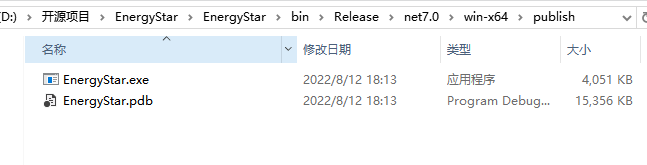
Project publish parameters: dotnet publish -c Release -r win-x64 -p:PublishProfile=FolderProfile --no-self-contained dotnet publish -c Release -r wi[......]继续阅读
项目发布参数: dotnet publish -c Release -r win-x64 -p:PublishProfile=FolderProfile --no-self-contained dotnet publish -c Release -r win-x64 -p:PublishProfi[......]继续阅读

站长简介
有趣的博主,小小程序员,业余摄影师,主要研究微服务架构、人工智能、kubernetes、istio、Devops、AI 等,主要语言是 C#、Go、Python。日常喜欢看书、写博客、摄影、运动、看风景。